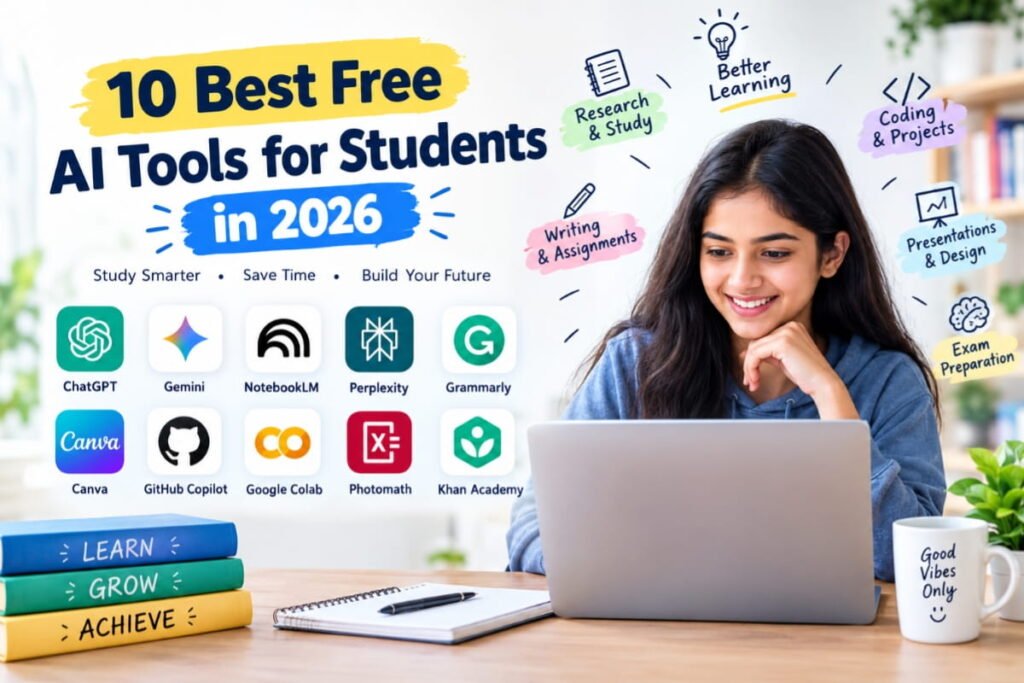
Are you looking for the best free AI tools for students in 2026? Whether you are preparing for exams, writing assignments, researching a topic, learning mathematics, creating presentations, or working on coding projects, artificial intelligence can make your student life easier.
Today, students can use AI-powered tools to understand difficult concepts, organize study materials, improve their writing, generate practice questions, and complete repetitive tasks more efficiently. Many of these tools offer free versions that are useful for everyday academic work.
However, not every AI tool is designed for the same purpose. Some are excellent for research, while others are better for writing, coding, mathematics, or revision.
In this guide, we will explore the 10 best free AI tools for students in 2026, explain their main features, and show you how to use them effectively without spending money.
Quick List: Best Free AI Tools for Students in 2026
Here is a quick comparison of the tools covered in this article.
| AI Tool | Best For | Free Access |
|---|---|---|
| ChatGPT | Learning and explanations | Yes, with limits |
| Google Gemini | Studying and brainstorming | Yes, with limits |
| NotebookLM | Studying from notes and PDFs | Yes, with limits |
| Perplexity AI | Online research | Yes, with limits |
| Grammarly | Grammar and writing improvement | Yes, with limits |
| Canva | Presentations and study designs | Yes, with limits |
| GitHub Copilot | Programming and coding | Free options for eligible students; terms apply |
| Google Colab | Python and practical projects | Yes, with resource limits |
| Photomath | Understanding maths problems | Free core features; some features may require payment |
| Khan Academy | Learning academic subjects | Free learning platform; AI features may have separate access rules |
Important: Free plans, usage limits, regional availability, and student offers can change. Check each tool’s official website before relying on a particular feature.
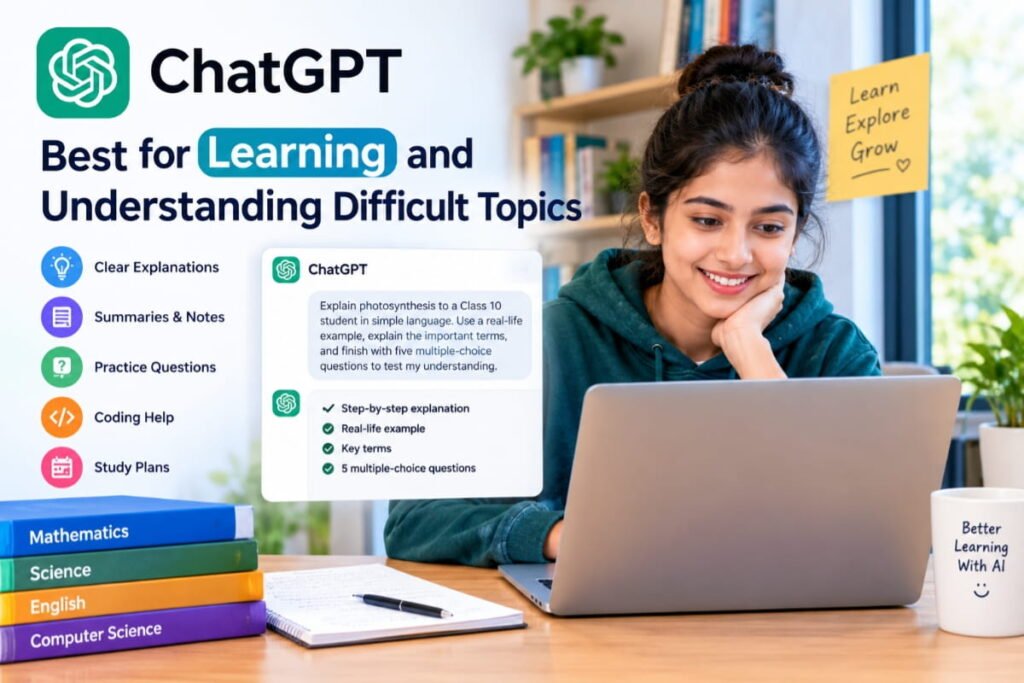
1. ChatGPT — Best for Learning and Understanding Difficult Topics
Official website: https://chatgpt.com/
ChatGPT is one of the most versatile AI tools for students. It can explain complicated topics in simple language, help you brainstorm ideas, generate practice questions, and guide you through challenging problems.
Instead of memorizing an answer, students can ask ChatGPT to explain the reasoning behind it and provide additional examples.
Best features for students
- Explaining difficult concepts step by step.
- Summarizing notes and study materials.
- Creating revision plans and practice quizzes.
- Helping with essay outlines and grammar improvements.
- Assisting with programming concepts and debugging.
- Practicing interview questions and presentations.
Example prompt
Act as a patient teacher. Explain photosynthesis to a Class 10 student in simple language. Use a real-life example, explain the important terms, and finish with five multiple-choice questions to test my understanding.
You can customize the same prompt for mathematics, science, history, economics, or other subjects.
Free plan: ChatGPT offers free access, but message limits and access to advanced features may apply.
Best for: School students, college students, competitive exam aspirants, and independent learners.
Pro tip: Ask ChatGPT to quiz you one question at a time. This encourages active recall instead of simply reading an explanation.
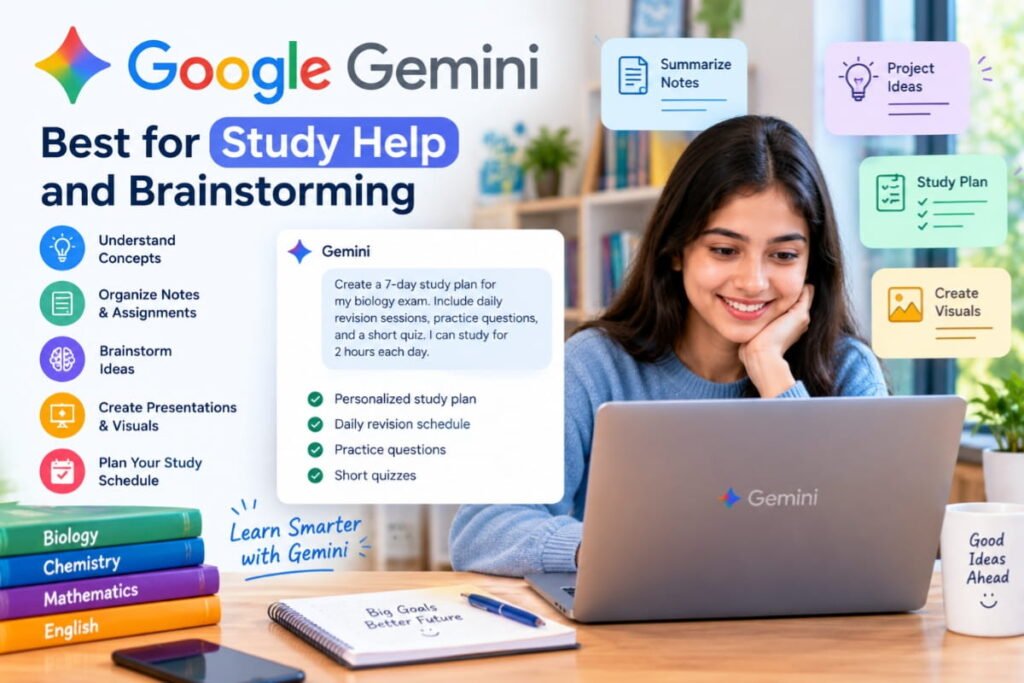
2. Google Gemini — Best for Study Help and Brainstorming
Official website: https://gemini.google.com/
Google Gemini is an AI assistant that can help students understand topics, brainstorm project ideas, work with text and images, and organize their learning.
It is useful when you want to explore a topic from different perspectives or need help getting started with an assignment.
Best features for students
- Explaining concepts using examples.
- Brainstorming school and college project ideas.
- Helping organize essays and presentations.
- Working with supported images and documents.
- Generating revision questions and study plans.
- Supporting research and everyday academic tasks.
Example prompt
I am preparing for my biology exam. Create a seven-day revision timetable for cell biology, genetics, and human physiology. Include daily revision sessions, short quizzes, and one practice test. Assume I can study for two hours each day.
Gemini can help you create a starting plan that you can adjust to your syllabus and available time.
Free plan: A free version is available, although access to models and features may be limited. Eligible students in India should also check Google’s official student offer, which may provide additional benefits subject to eligibility and offer terms.
Best for: Students who need an all-purpose assistant for learning, brainstorming, and planning.
Pro tip: Provide your class level, subject, syllabus, and exam date to get more relevant responses.
25 ChatGPT Prompts for Students to Understand Difficult Topics Easily
3. NotebookLM — Best for Studying From Your Own Notes and PDFs
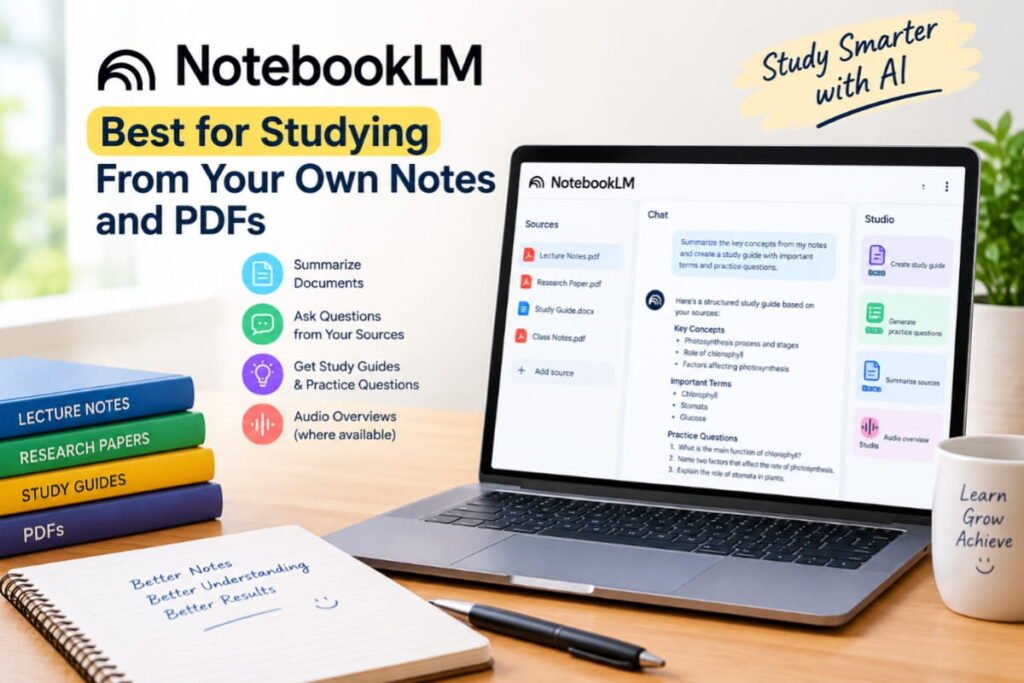
Official website: https://notebooklm.google.com/
NotebookLM is particularly useful when you have lecture notes, research papers, study guides, or other documents that you need to understand.
Rather than starting with a broad question about an entire subject, you can use your uploaded sources to explore the material you are actually studying.
Best features for students
- Asking questions about supported uploaded sources.
- Summarizing lengthy documents.
- Finding relevant information within your study material.
- Creating study guides and question sets.
- Generating Audio Overviews where available.
- Helping organize information from multiple sources.
Example use case
Imagine that you have a 60-page PDF containing your semester notes.
You can add the document to NotebookLM and ask:
Create a chapter-wise revision guide using my uploaded notes. Identify the key concepts, explain difficult terms in simple language, and create 20 practice questions. Cite the relevant sections of my sources wherever possible.
This can make revision more organized and help you identify the areas that need additional study.
Free plan: NotebookLM offers free access with usage limits. Available features and limits can vary.
Best for: College students, researchers, students preparing for exams, and anyone studying from large documents.
Pro tip: Use NotebookLM to locate information in your notes, then verify important claims and practice explaining the concepts without looking at the source.
4. Perplexity AI — Best for Research and Finding Sources

Official website: https://www.perplexity.ai/
Perplexity AI is an AI-powered search and answer tool that can help students explore topics using information from online sources.
It is useful when you need an overview of a subject, want to discover relevant websites, or need sources to investigate further.
Best features for students
- Finding information from online sources.
- Providing linked citations with many answers.
- Exploring unfamiliar topics.
- Discovering articles and reference materials.
- Comparing different explanations and viewpoints.
- Supporting the early stages of research.
Example prompt
Explain the advantages and disadvantages of renewable energy for a college assignment. Find credible sources, prioritize government publications and academic research, and provide links that I can check before citing them.
After receiving the answer, open the cited sources and confirm that they support the claims being made.
Free plan: Free access is available, with limits on certain searches and advanced features.
Best for: Research assignments, current topics, presentations, and students who need to discover credible sources.
Pro tip: Do not cite an AI-generated answer as if it were the original research. Read the underlying source and follow your institution’s citation guidelines.
5. Grammarly — Best for Grammar and Writing Improvement

Official website: https://www.grammarly.com/
Good writing is important for essays, reports, emails, applications, and research projects. Grammarly helps students identify writing mistakes and improve clarity.
It is especially useful when you have already written a draft and want to make it easier to read.
Best features for students
- Checking grammar, spelling, and punctuation.
- Improving sentence clarity.
- Identifying wordiness and awkward phrasing.
- Helping with tone and readability.
- Offering writing assistance in supported applications.
Example prompt
You can use Grammarly to review a paragraph and ask for suggestions such as:
Review this paragraph for grammar, clarity, and sentence structure. Preserve my original meaning and writing style. Explain the most important corrections so I can learn from them.
Free plan: Grammarly offers a free version, while some advanced writing and generative AI features require a paid plan.
Best for: Essay writing, reports, applications, emails, and proofreading.
Pro tip: Write your own first draft, then use writing assistance to identify mistakes and improve clarity. This helps you develop your writing skills over time.
6. Canva — Best for Presentations, Posters, and Visual Projects
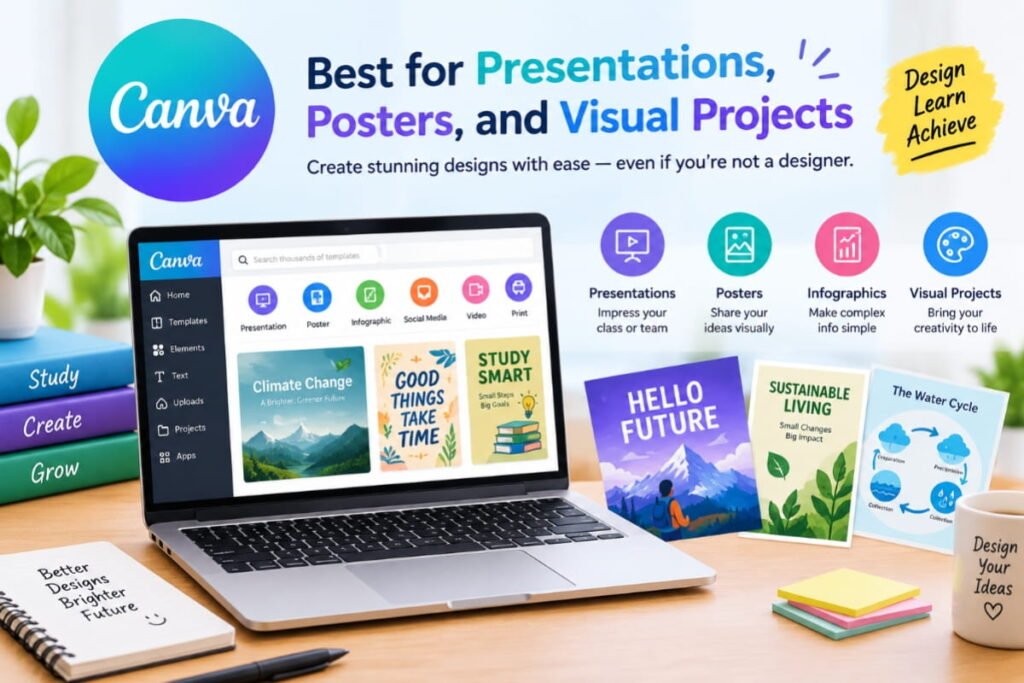
Official website: https://www.canva.com/
Canva is a design platform that helps students create attractive presentations, posters, infographics, diagrams, and other educational materials.
Its free design tools are useful even if you have little experience with graphic design. Some AI-powered features are also available, although availability and usage allowances depend on the plan.
Best features for students
- Creating classroom presentations.
- Designing project covers and posters.
- Building infographics and visual summaries.
- Making educational diagrams.
- Preparing club and college event materials.
- Using templates to speed up design work.
Example prompt
Help me plan a 10-slide presentation on climate change for a college assignment. Suggest a title and key points for each slide, plus one visual idea per slide. Keep the language clear and suitable for an undergraduate audience.
You can then build the presentation in Canva using a suitable template.
Free plan: Canva offers a free plan, but premium templates, assets, and certain AI features may require payment.
Best for: Students who create presentations, visual assignments, posters, and project reports.
Pro tip: Keep slides focused on a few key points. Use AI to help structure the presentation, but verify facts and create visuals that genuinely support your topic.
7. GitHub Copilot — Best for Coding and Programming Projects
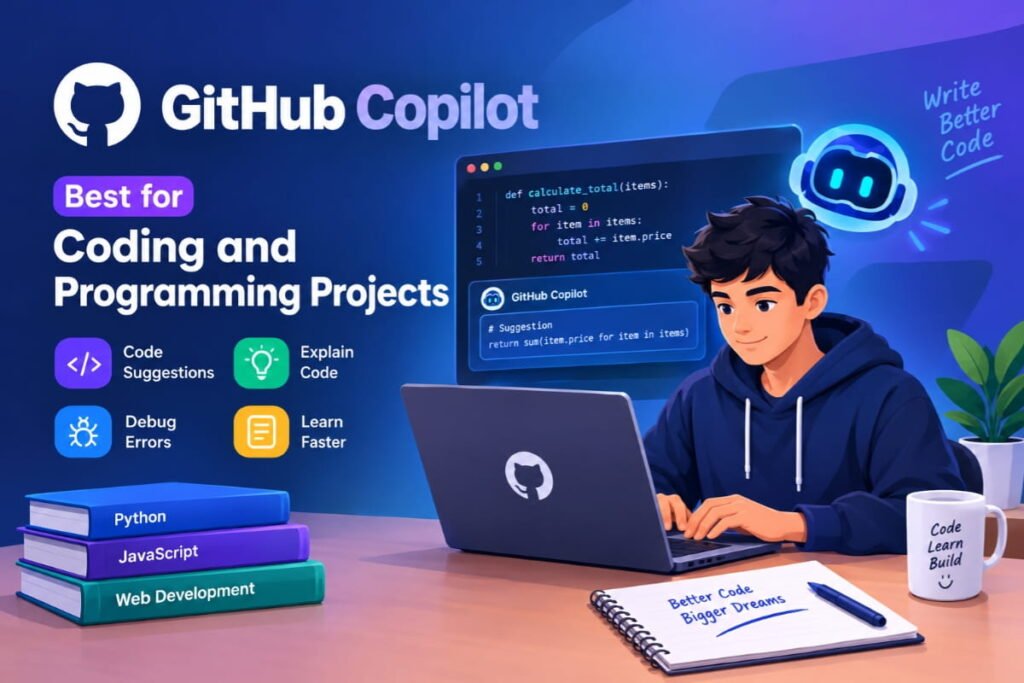
Official website: https://github.com/features/copilot
Students learning programming often spend considerable time understanding error messages, writing repetitive code, and figuring out how to implement unfamiliar concepts.
GitHub Copilot is an AI coding assistant that can help explain code, suggest completions, and support development workflows inside compatible programming environments.
Best features for students
- Suggesting code as you type.
- Explaining unfamiliar code.
- Helping investigate programming errors.
- Generating initial test cases.
- Assisting with documentation.
- Supporting learning in languages such as Python and JavaScript.
Example prompt
Explain this Python function line by line. Identify any potential errors, describe its time complexity if applicable, and give me two small exercises to practice the same concept.
Use the explanation to understand what the code does rather than accepting every suggestion automatically.
Free access: GitHub offers limited free Copilot access, and eligible verified students may qualify for additional benefits under its student program. Check current eligibility and plan terms.
Best for: Computer science students, software engineering learners, and students working on coding projects.
Pro tip: Write your own solution first. Then use Copilot to review it, understand alternative approaches, and learn how to test your code.
8. Google Colab — Best for Python, Data Science, and Machine Learning
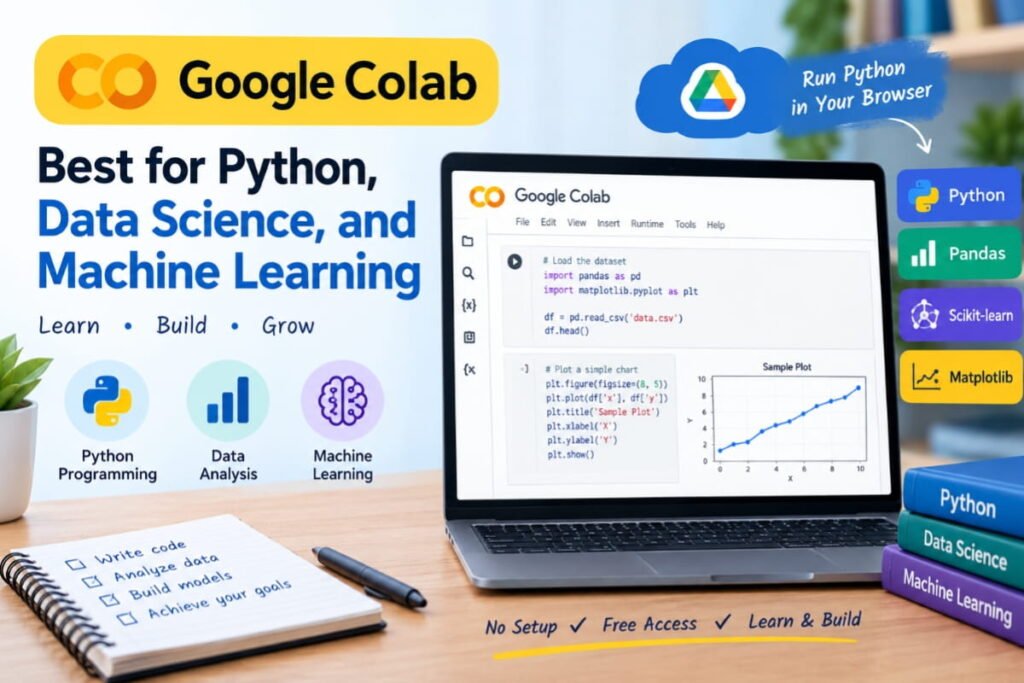
Official website: https://colab.research.google.com/
Google Colab provides a browser-based environment for running Python notebooks without having to set up a complete programming environment on your computer.
It is particularly helpful for students studying computer science, statistics, data analysis, and machine learning.
Best features for students
- Running Python code in a browser.
- Practicing programming exercises.
- Analyzing datasets.
- Creating charts and visualizations.
- Experimenting with machine-learning libraries.
- Sharing notebooks for educational projects.
Example project
Suppose you want to analyze your study habits. You can use Python in Colab to create a small dataset containing study hours and test scores, calculate averages, and visualize the relationship between them.
You could begin with this prompt in your preferred AI assistant:
Teach me how to use Python to analyze a small dataset of study hours and exam scores. Explain each step, provide beginner-friendly code, and show how to create a scatter plot.
You can then run and modify the code in Colab to see how it works.
Free plan: Colab offers free access to hosted notebooks, with resource availability, session durations, and hardware access subject to limits.
Best for: Programming students, data science beginners, engineering students, and machine-learning learners.
Pro tip: Start with small projects and understand the code before moving to advanced machine-learning experiments.
9. Photomath — Best for Understanding Mathematics Problems
Official website: https://photomath.com/
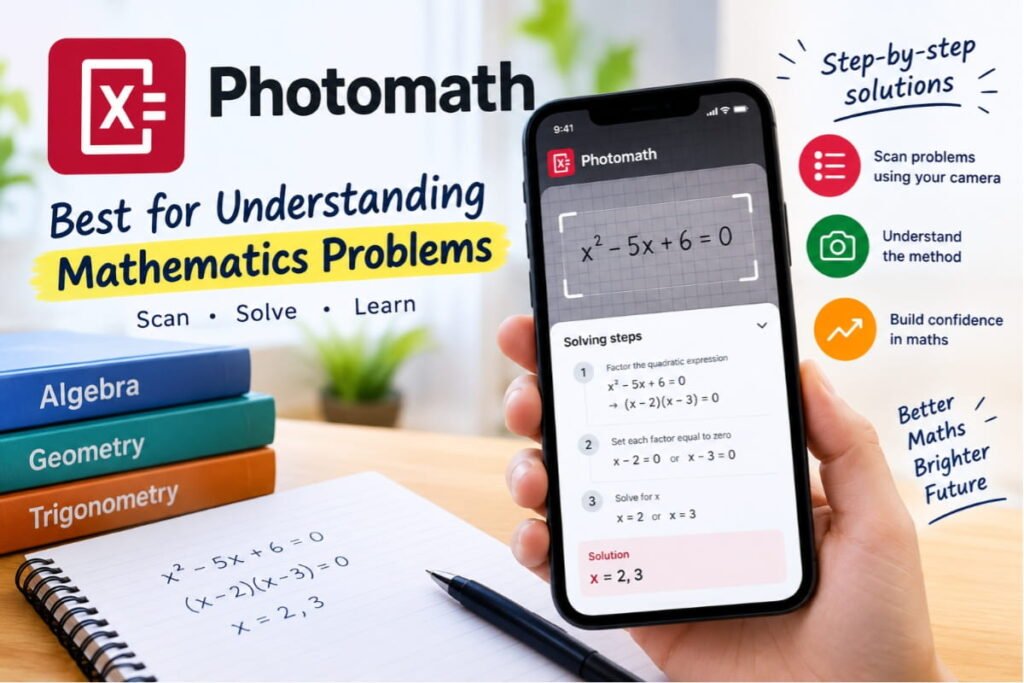
Photomath is a mathematics learning app that helps users work through supported maths problems. Students can enter problems or scan them using their device, depending on the available features.
It can be useful when you get stuck on an equation and need to understand the method used to solve it.
Best features for students
- Helping solve supported mathematical problems.
- Showing solution steps for supported questions.
- Supporting practice with algebra and other maths topics.
- Helping students identify where they made a mistake.
Example use case
If you are struggling with a quadratic equation, you can use Photomath to examine the solution process and then solve a similar problem independently.
The goal should be to understand why each step works, not simply to copy the final answer.
Free access: Core features are available without payment, but some explanations and advanced features may require a subscription.
Best for: School students and learners practicing mathematics.
Pro tip: After reviewing a solution, close the app and solve the same problem again from scratch. Then try a similar problem to check your understanding.
10. Khan Academy — Best for Learning Academic Subjects
Official website: https://www.khanacademy.org/
Khan Academy is a free educational platform offering lessons, exercises, and practice materials across a wide range of subjects.
Although it is not exclusively an AI tool, it deserves a place on this list because students can use its structured learning resources alongside AI assistants.
Khan Academy has also developed AI-powered learning experiences, including Khanmigo. Access to those AI features can differ from access to the main free learning platform.
Best features for students
- Learning mathematics through guided practice.
- Studying science and other academic subjects.
- Watching instructional lessons.
- Practicing questions and reviewing mistakes.
- Building foundational knowledge at your own pace.
How to use it with AI
For example, you can study a mathematics lesson on Khan Academy and then ask an AI assistant:
Create five practice problems about the concept I just studied. Start with an easy question and gradually increase the difficulty. Give me hints before revealing the answers.
This combination lets you use structured lessons and personalized practice together.
Free access: Khan Academy’s core educational content is free. Do not assume that every Khanmigo feature is free for every user; check current access terms.
Best for: School students, self-learners, and anyone who wants to strengthen foundational academic skills.
Pro tip: Use lessons to build understanding, then use practice questions to test whether you can apply the concepts independently.
How to Choose the Best Free AI Tool for Your Needs
You do not need to use all ten tools. Start with one or two that solve your biggest academic challenges.
| Your main goal | Recommended tool |
|---|---|
| Understand difficult concepts | ChatGPT or Gemini |
| Study from lecture notes and PDFs | NotebookLM |
| Research an assignment | Perplexity AI |
| Improve grammar and clarity | Grammarly |
| Create a presentation | Canva |
| Learn programming | GitHub Copilot |
| Practice Python and data analysis | Google Colab |
| Solve maths problems step by step | Photomath |
| Learn school subjects systematically | Khan Academy |
Best AI toolkit for students on a zero budget
A practical starter combination is:
- ChatGPT or Gemini for explanations and brainstorming.
- NotebookLM for working with your own notes and documents.
- Perplexity AI for discovering sources and researching topics.
- Canva for presentations and visual assignments.
- Google Colab if you are learning programming or data science.
Use the free versions first and add another tool only when you have a clear need for it.
Bonus: 5 Useful AI Prompts for Students
The right prompt can make an AI tool much more helpful. Here are five prompts you can customize for your studies.
1. Create a study timetable
Act as a study planner. I have [number of days] until my exam. My subjects are [list subjects], and I can study for [hours] each day. Create a realistic revision timetable with breaks, practice questions, and time to review difficult topics.
2. Understand a difficult topic
Explain [topic] as if I am a beginner. Start with the basics, use simple examples, explain important terminology, and finish with five questions to test my understanding. Do not reveal the answers until I attempt the questions.
3. Summarize my notes
Turn the following study notes into a structured revision guide. Identify key concepts, definitions, important relationships, and topics I should review. Do not introduce unsupported facts. Highlight anything that needs clarification.
4. Prepare for an exam
Create a practice test on [subject and topic] at [class or college level]. Include multiple-choice questions, short-answer questions, and two application-based questions. Ask me one question at a time and explain my mistakes after I answer.
5. Improve my assignment
Review my assignment draft for clarity, grammar, organization, and logical gaps. Suggest improvements while preserving my own ideas and voice. Flag claims that need reliable sources instead of inventing citations.
Tip: Replace the bracketed sections with your actual subject, level, and requirements. The more relevant context you provide, the more useful the response is likely to be.
Are Free AI Tools Safe for Students?
AI tools can be useful, but students should use them thoughtfully.
Follow these simple precautions:
- Verify important information: AI systems can produce incorrect facts, calculations, and references.
- Protect personal data: Avoid uploading private student records, passwords, confidential documents, or sensitive personal information.
- Follow academic rules: Check your institution’s policies on AI assistance, citations, and permitted collaboration.
- Understand your work: Be prepared to explain the reasoning behind an answer you submit.
- Check subscription terms: A free plan may have usage limits, while a student promotion may automatically convert to a paid subscription.
- Use AI to learn: Ask for hints, explanations, and practice questions instead of relying exclusively on generated answers.
The best results come from combining AI assistance with your own reasoning, reliable sources, and regular practice.
Frequently Asked Questions (FAQs)
1. What is the best free AI tool for students in 2026?
The best tool depends on your needs. ChatGPT and Gemini are useful for explanations and brainstorming, NotebookLM helps with your own study materials, Perplexity supports source discovery, and Google Colab is useful for coding and data analysis.
2. Which AI tools are completely free for students?
Some tools offer free educational content or free usage tiers, including Khan Academy, Google Colab, and the free versions of ChatGPT, Gemini, and NotebookLM. However, advanced features, usage limits, and eligibility requirements vary. Always check the official terms.
3. Can students use AI tools for exam preparation?
Yes. Students can use AI tools to generate revision plans, practice questions, flashcard content, and explanations. They should compare the material against their official syllabus and textbooks.
4. Which AI tool is best for college assignments?
ChatGPT and Gemini can help brainstorm ideas and organize drafts, while Perplexity can help discover sources and NotebookLM can help students explore their own documents. Students should write and review their work in accordance with their institution’s academic-integrity rules.
5. Which AI tool is best for maths?
Photomath is useful for examining solutions to supported maths problems. ChatGPT and Gemini can also explain mathematical concepts and generate practice questions. Verify calculations and make sure you understand each step.
6. Can AI tools write assignments for students?
AI tools can help with brainstorming, outlines, explanations, editing, and feedback. Whether AI-generated text may be submitted depends on your institution’s rules. Use AI transparently and make sure the final work reflects your own understanding.
7. Are free AI tools available for students in India?
Yes. Many major AI services are accessible in India through free plans, including ChatGPT, Gemini, NotebookLM, Perplexity, and other tools listed in this guide. Individual features, regional availability, and student offers may differ.
8. Do students need paid AI subscriptions?
Not necessarily. Many students can begin with free tools for research, studying, writing, presentations, and coding. Consider paying only when you have a specific need that the free plan cannot meet and the cost fits your budget.
Final Thoughts
The best free AI tools for students in 2026 are the ones that help you learn more effectively, save time on repetitive tasks, and develop useful skills.
You can start with ChatGPT or Gemini for explanations, NotebookLM for your study notes, Perplexity for research, Canva for presentations, and Google Colab for programming. Add other tools when your academic needs require them.
Remember that AI should support your learning, not replace it. Verify important facts, follow your institution’s rules, and practice solving problems independently.
Which free AI tool do you find most useful for studying? Explore more AI guides and prompt ideas on AIPromptDekho.com.