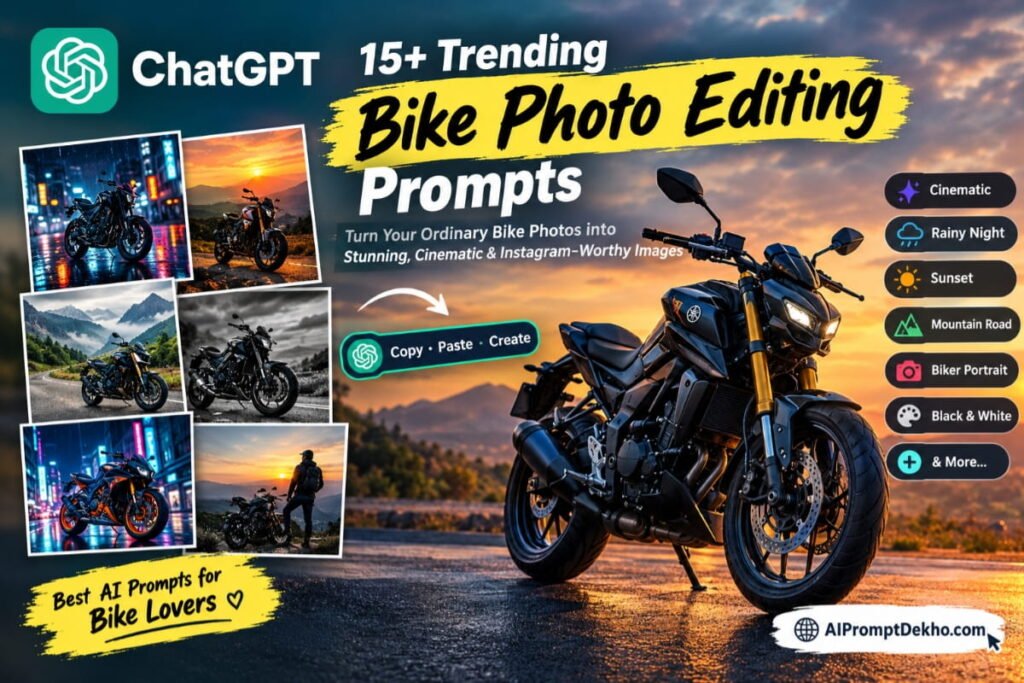
Want to transform your ordinary bike photo into a stylish, cinematic, Instagram-worthy image? With the right ChatGPT bike photo editing prompts, you can create stunning motorcycle photos with dramatic lighting, rainy-night effects, sunset backgrounds, stylish biker poses, and realistic cinematic colors.
In this article, you will discover 15+ trending ChatGPT bike photo editing prompts for 2026 that you can copy and paste into ChatGPT to create amazing AI-edited photos. Whether you love sports bikes, Royal Enfield motorcycles, KTM bikes, superbikes, or classic motorcycles, these prompts will help you explore different photo styles.
Let’s get started!
What Are ChatGPT Bike Photo Editing Prompts?
ChatGPT bike photo editing prompts are text instructions that tell an AI image tool how to edit or transform a motorcycle photo. You can upload your existing photo and describe the background, lighting, bike style, camera angle, clothing, and overall mood you want.
For example, you can turn a simple bike photo into a cinematic rainy-night scene, a dramatic sunset portrait, or a professional motorcycle photoshoot.
The final result depends on your original photo, the prompt, and the image-generation or editing features available to you.
How to Use ChatGPT for Bike Photo Editing
Follow these simple steps to create your own AI bike photos:
- Open ChatGPT on your phone or computer.
- Start a chat with an image-capable ChatGPT model.
- Upload a clear photo of yourself with your bike or a photo of your motorcycle.
- Copy one of the bike photo editing prompts below.
- Paste the prompt into ChatGPT and ask it to edit the uploaded image.
- Review the result. If necessary, request adjustments to the lighting, background, pose, or bike details.
- Save the finished image and share it on Instagram, Facebook, or WhatsApp.
Pro tip: Use a clear, high-quality original photo for better results. If you want to preserve your real appearance and motorcycle, explicitly tell ChatGPT not to change your face, body proportions, bike model, or original paint color.
Visit images creation official Guide
15+ Trending ChatGPT Bike Photo Editing Prompts
Here are some creative prompts for different motorcycle photography styles. Copy your favorite prompt and customize it to match your bike and personal style.
1. Cinematic Bike Photo Editing Prompt
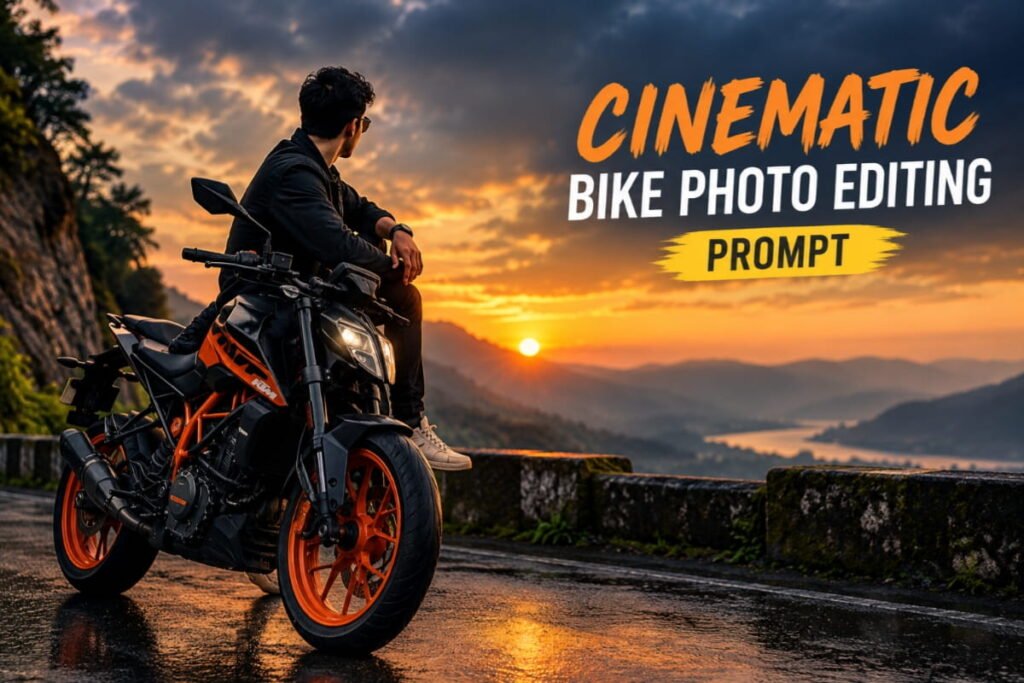
Best for: Instagram posts, profile pictures, and cinematic biker portraits.
Prompt:
“Edit my uploaded photo into a stunning cinematic motorcycle photoshoot. Keep my face, identity, hairstyle, body proportions, and original motorcycle recognizable. Add dramatic cinematic lighting, deep shadows, realistic reflections, a slightly moody atmosphere, and a beautiful blurred background. Enhance the bike’s paint, metallic details, and tires without changing its original design. Use professional automotive photography, realistic textures, sharp focus, and premium color grading. Create a high-quality, photorealistic image suitable for Instagram.”
2. Rainy Night Bike Photo Editing Prompt
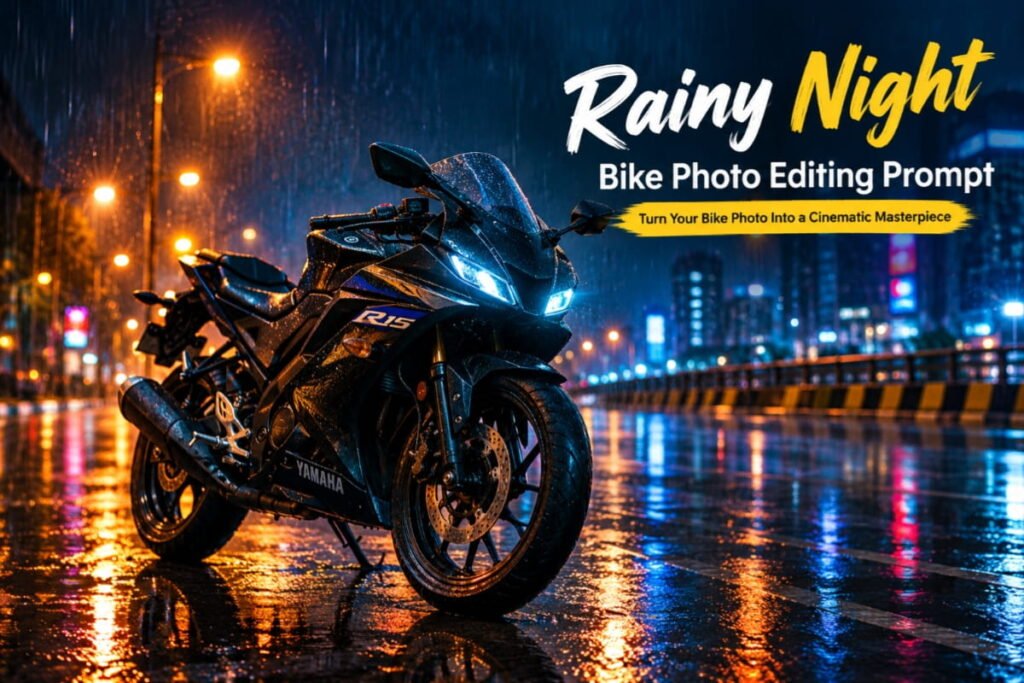
Best for: Dark aesthetics, night photography, and dramatic social media posts.
Prompt:
“Transform my uploaded motorcycle photo into a realistic rainy-night street photoshoot. Keep the original bike model, color, shape, and important details unchanged. Place the bike on a wet city road with realistic water reflections, glowing streetlights, subtle raindrops, and cinematic blue and amber lighting. Add a dark atmospheric background with soft bokeh lights. Use realistic shadows, detailed metallic surfaces, natural reflections, and professional night photography. Make the image dramatic but believable.”
3. Sunset Bike Photo Editing Prompt
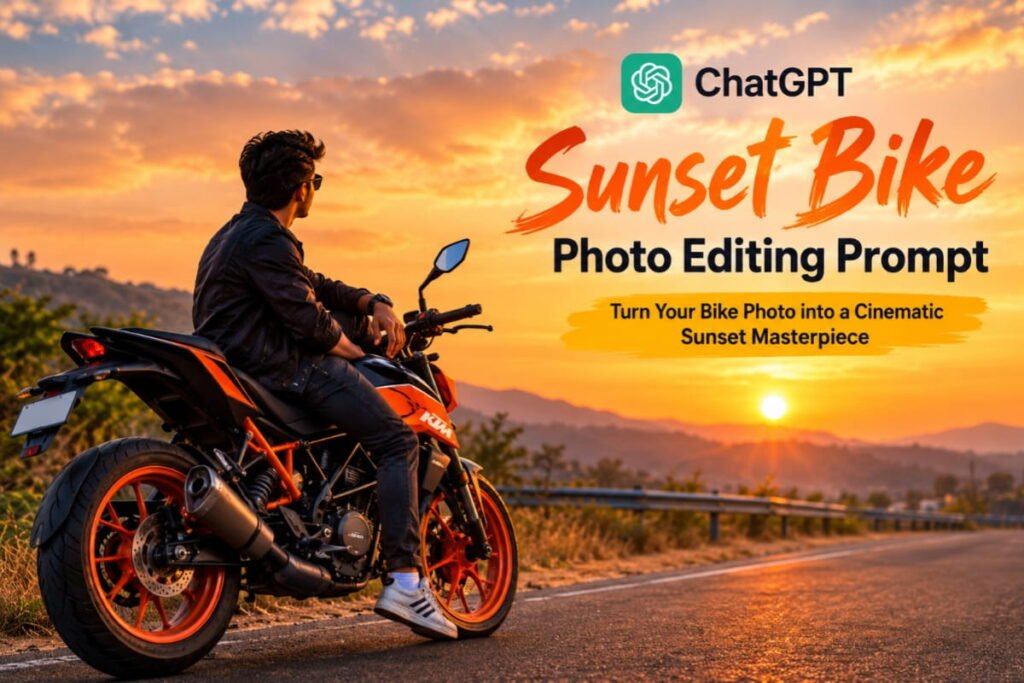
Best for: Warm, aesthetic, and travel-inspired photos.
Prompt:
“Edit my uploaded photo into a beautiful motorcycle photoshoot during golden hour. Keep my face and identity unchanged, and preserve the original motorcycle’s design and color. Add a warm orange sunset, golden sunlight, long natural shadows, and a scenic open road. Create a cinematic atmosphere with soft background blur, realistic skin tones, detailed bike textures, and professional photography. Make the final image look natural, premium, and Instagram-ready.”
4. Royal Enfield Classic Biker Prompt
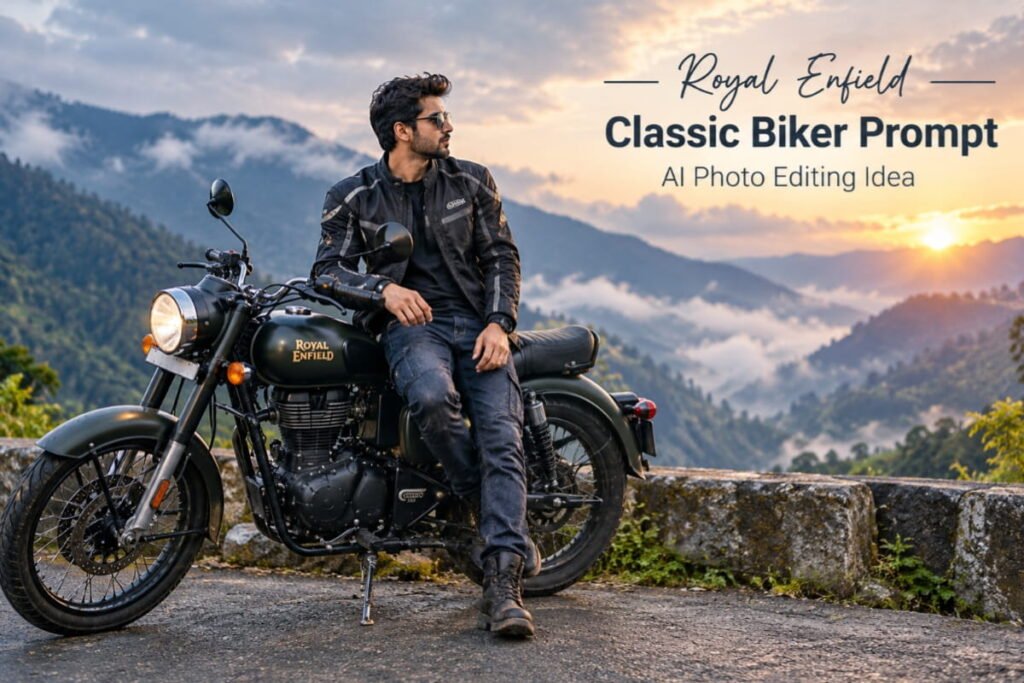
Best for: Royal Enfield owners and classic motorcycle enthusiasts.
Prompt:
“Create a premium, realistic motorcycle portrait using my uploaded photo with my Royal Enfield. Preserve my real face, hairstyle, clothing proportions, and the motorcycle’s original design. Place the bike on a scenic mountain road surrounded by misty hills. Add soft morning light, a slightly vintage film look, realistic chrome reflections, detailed tires, and natural shadows. Use professional motorcycle magazine photography with a balanced composition and rich but realistic colors.”
5. KTM Sports Bike Photo Editing Prompt
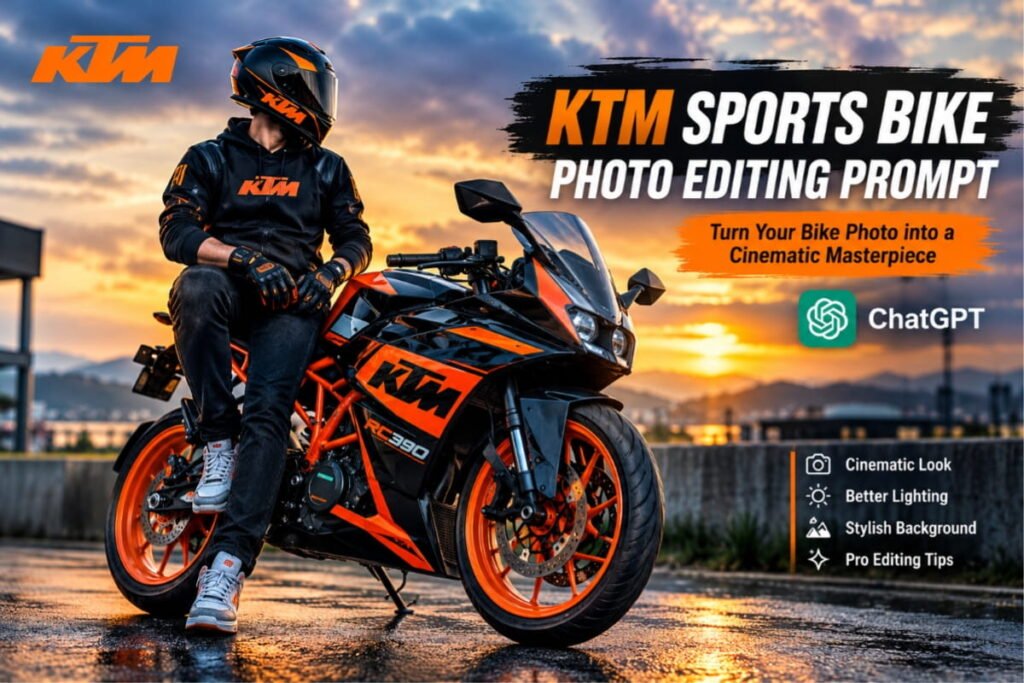
Best for: KTM enthusiasts and sporty Instagram edits.
Prompt:
“Turn my uploaded KTM motorcycle photo into an energetic sports-bike photoshoot. Preserve the original KTM model, paint scheme, graphics, wheels, and bodywork. Keep my face and appearance recognizable if I am in the photo. Add a modern urban setting, dramatic directional lighting, a slightly blurred background, crisp details, and bold but natural color grading. Use a low camera angle to emphasize the motorcycle’s sporty design. Make the image photorealistic and professional.”
6. Mountain Road Bike Photography Prompt
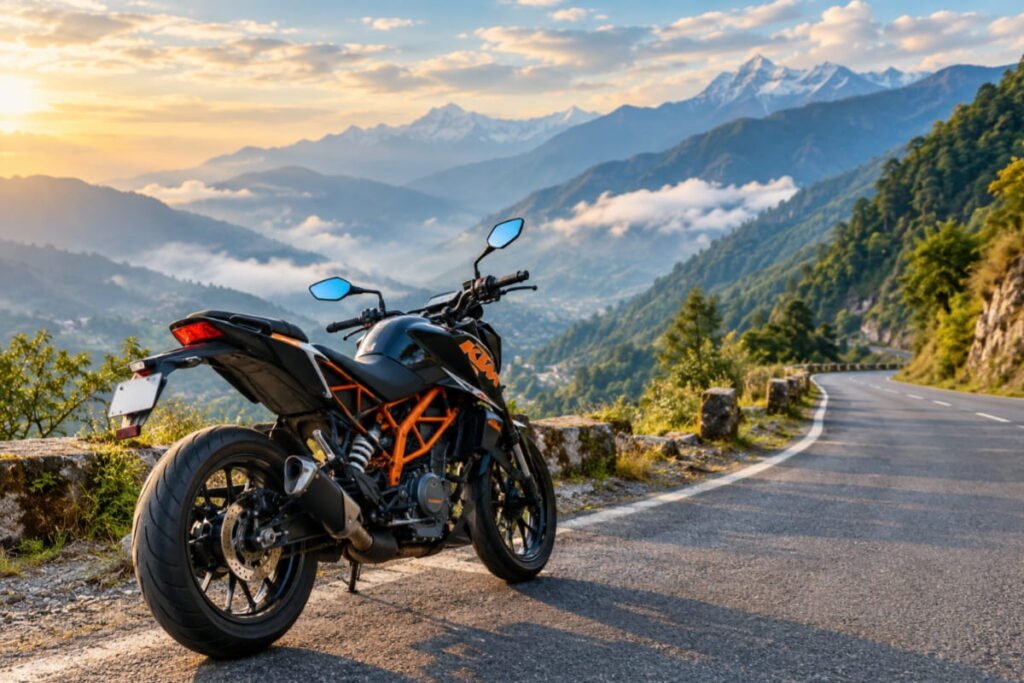
Best for: Travel lovers and adventure riders.
Prompt:
“Transform my uploaded motorcycle photo into a cinematic mountain-road adventure photograph. Keep the motorcycle’s original design and color intact. Place it on a winding road surrounded by majestic mountains, green valleys, and soft atmospheric mist. Add natural daylight, realistic road textures, detailed mountain scenery, and professional travel photography. Use a wide composition, balanced colors, and realistic shadows to create a sense of freedom and adventure.”
7. Black Aesthetic Bike Photo Prompt
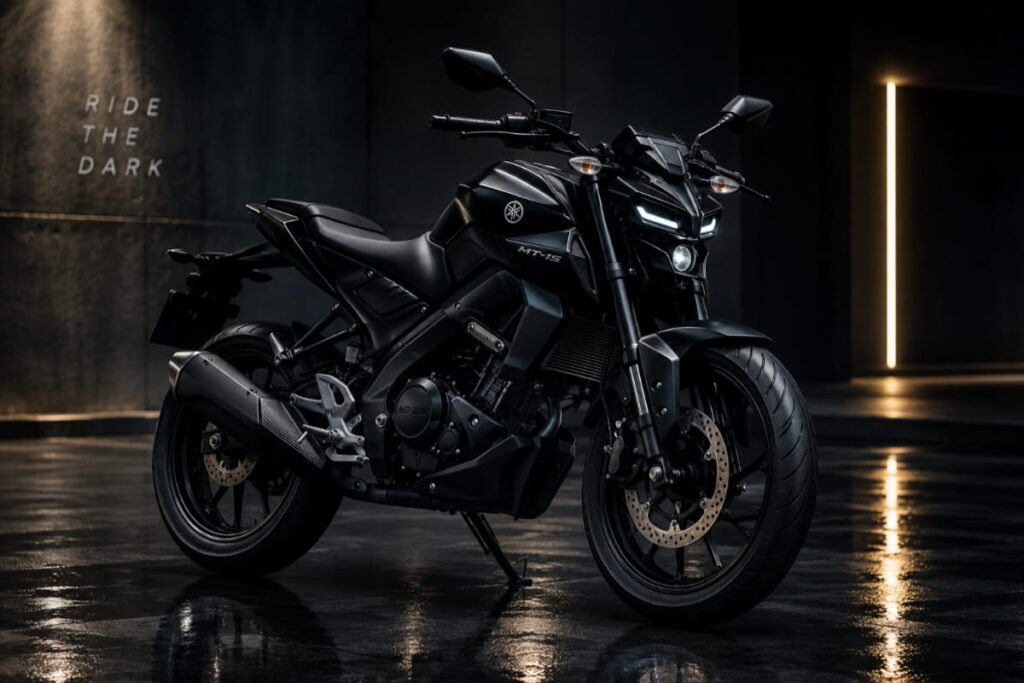
Best for: Dark wallpapers, stylish profile pictures, and minimalist edits.
Prompt:
“Edit my motorcycle photo into a premium black aesthetic portrait. Keep the original motorcycle model, body shape, paint details, and proportions unchanged. Use a dark studio background, controlled rim lighting, subtle highlights on the bodywork, deep shadows, and a clean reflective floor. Make the motorcycle stand out clearly without losing important details in the shadows. Use realistic textures, sharp focus, and professional automotive advertising photography.”
8. Biker Boy Portrait with Motorcycle
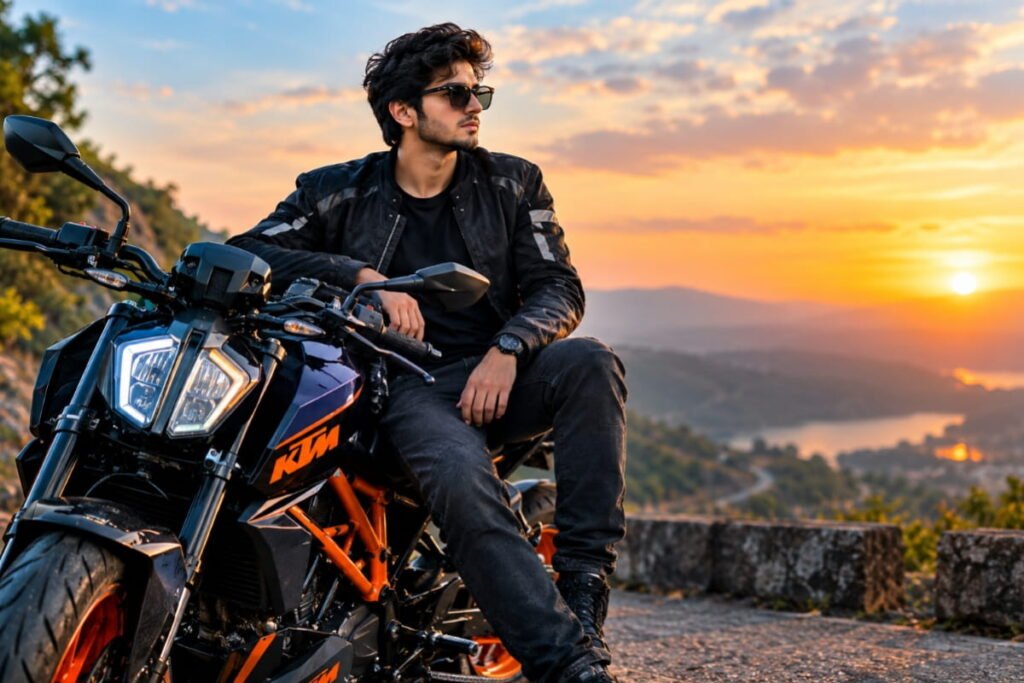
Best for: Stylish portraits and social media profile photos.
Prompt:
“Create a stylish, photorealistic biker portrait from my uploaded image. Preserve my face, identity, hairstyle, skin tone, and natural body proportions. Position me confidently beside my original motorcycle, wearing a stylish biker jacket, fitted jeans, and clean sneakers. Add a modern urban background, cinematic side lighting, subtle depth of field, and realistic shadows. Keep the motorcycle recognizable and make the overall image look like a professional lifestyle photoshoot.”
9. Luxury Superb ike Photography Prompt
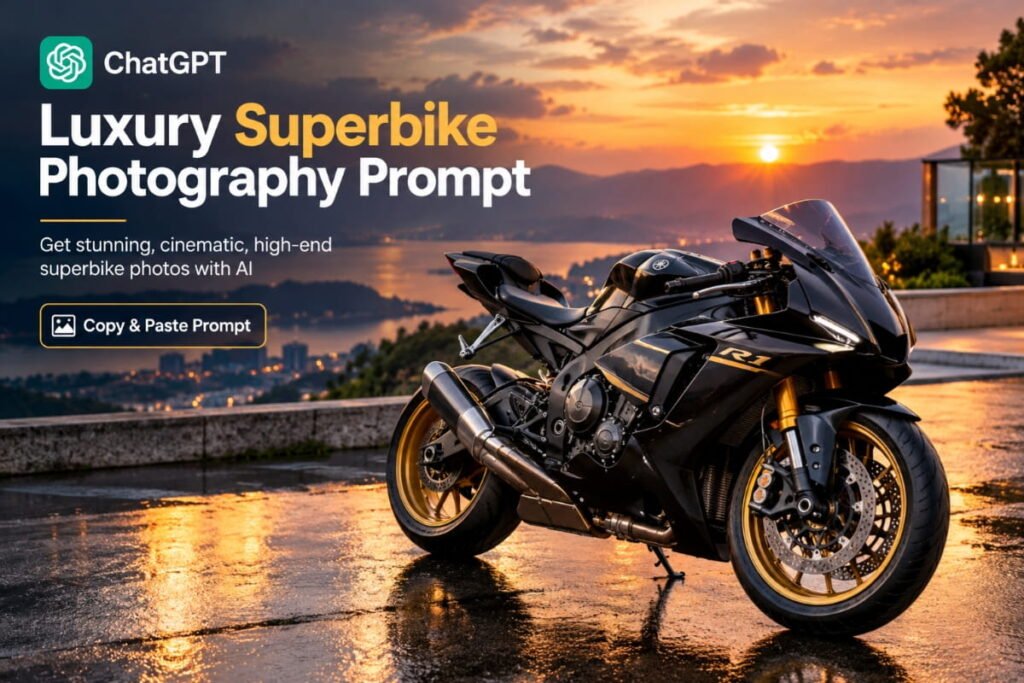
Best for: Premium sports-bike edits and dramatic wallpapers.
Prompt:
“Transform my uploaded superbike photo into a luxury motorcycle advertising photograph. Preserve the actual bike’s model, bodywork, paint color, logo placement, wheels, and proportions. Place it in a sophisticated modern studio with dramatic softbox lighting and a polished floor. Add realistic highlights across the fuel tank and fairings, crisp mechanical details, controlled reflections, and a premium cinematic atmosphere. Use a clean composition and photorealistic automotive photography.”
10. Village Road Bike Photo Prompt
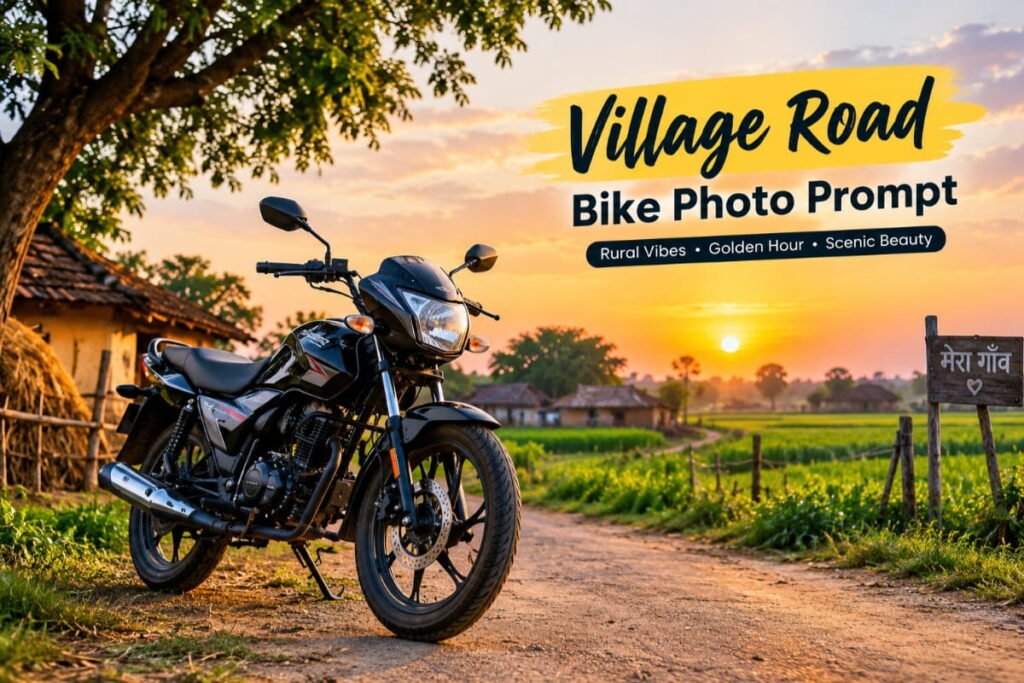
Best for: Natural outdoor photos and countryside aesthetics.
Prompt:
“Edit my uploaded motorcycle photo into a beautiful countryside photoshoot. Keep the original motorcycle and my appearance unchanged. Place the bike on a peaceful village road with green fields, trees, and warm late-afternoon sunlight. Add natural shadows, realistic road textures, a gentle breeze effect in the surroundings, and soft cinematic color grading. Keep the background believable and the motorcycle sharply detailed. Create a natural photograph that feels like a real countryside ride.”
11. Instagram 3D Bike Poster Prompt
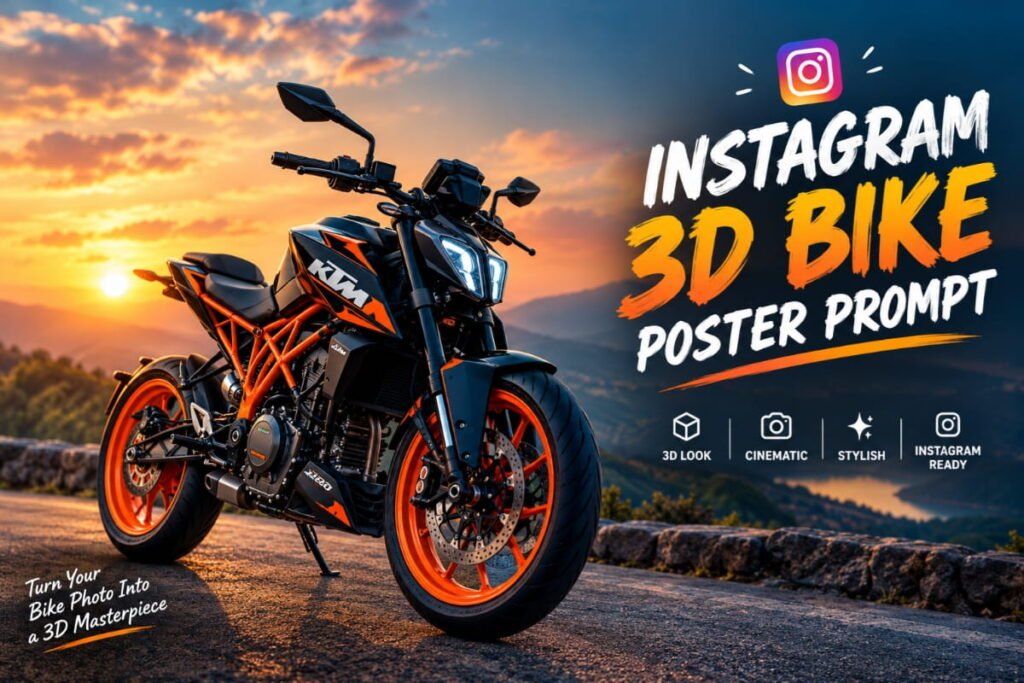
Best for: Bike posters, profile pictures, and creative social media content.
Prompt:
“Create a visually striking motorcycle poster using my uploaded bike photo. Preserve the motorcycle’s recognizable shape, paint color, and distinctive features. Use a dramatic dark background, subtle 3D depth, cinematic lighting, realistic floor reflections, and bold visual composition. Add tasteful atmospheric particles and light streaks without covering the bike. Leave clean space at the top for a title and at the bottom for a short caption. Make it polished, sharp, and suitable for an Instagram post.”
12. Vintage Motorcycle Film Photography Prompt
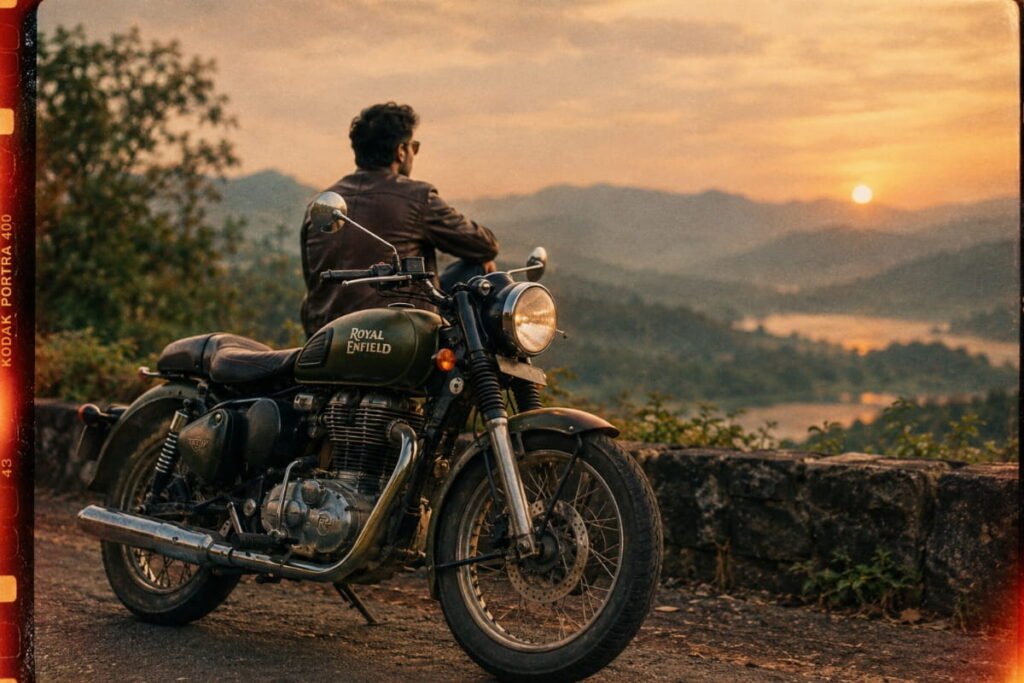
Best for: Retro looks and classic motorcycle lovers.
Prompt:
“Turn my uploaded motorcycle photo into a vintage film-style photograph. Preserve the original motorcycle design and my natural appearance. Add warm faded colors, subtle film grain, soft sunlight, gentle contrast, and a nostalgic atmosphere inspired by classic motorcycle magazines. Keep the bike’s mechanical details realistic and the image naturally composed. Avoid excessive filters, artificial textures, or exaggerated color changes.”
13. Neon City Bike Photo Editing Prompt
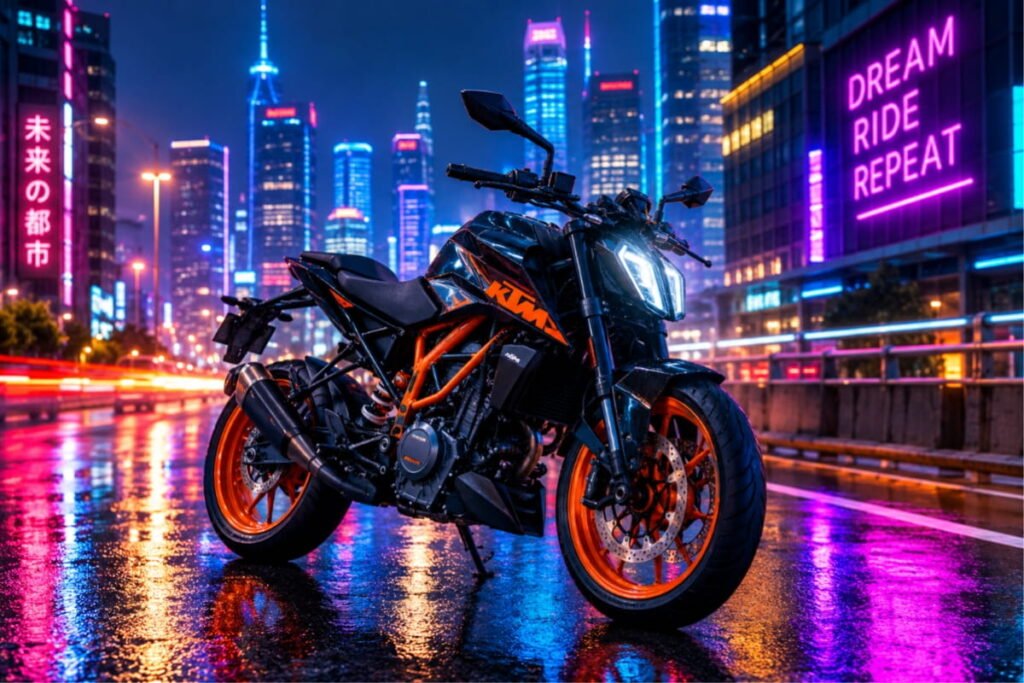
Best for: Futuristic urban edits and nighttime wallpapers.
Prompt:
“Transform my uploaded bike photo into a futuristic neon-city motorcycle photoshoot. Keep the motorcycle’s original design, model, and proportions recognizable. Place it on a realistic city street at night with tasteful neon signs, colored reflections on wet pavement, cinematic rim lighting, and a softly blurred urban background. Balance the neon colors with natural shadows and realistic metallic textures. Make the final image detailed, photorealistic, and visually dramatic.”
14. Highway Bike Ride Cinematic Prompt
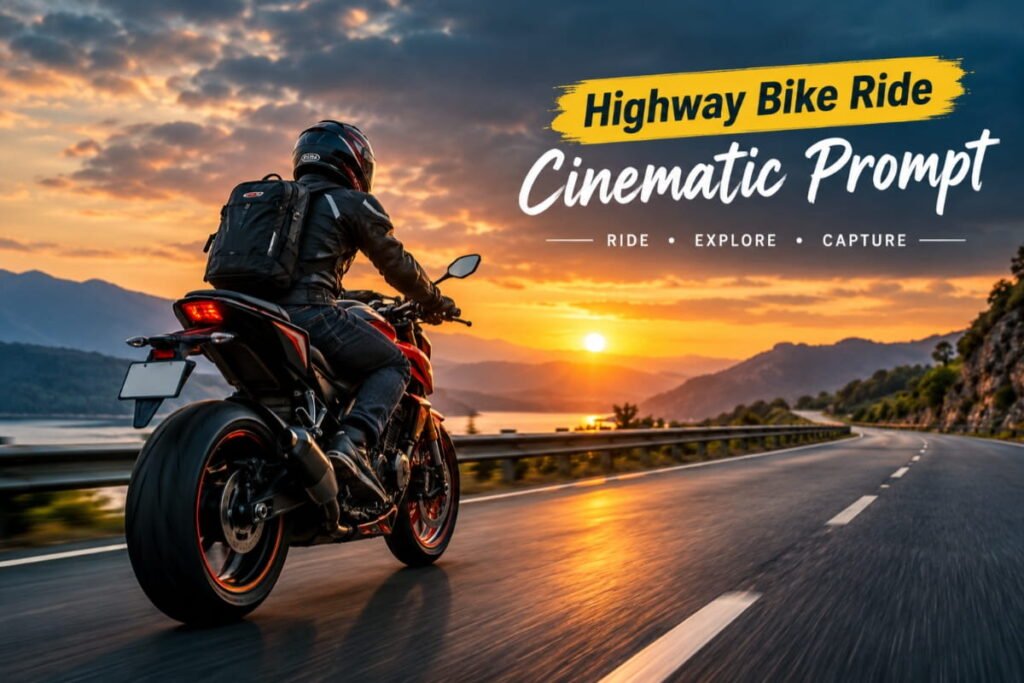
Best for: Touring photos and adventure-themed posts.
Prompt:
“Create a cinematic highway motorcycle photograph from my uploaded image. Preserve my identity and the original motorcycle’s distinctive details. Place the bike on a scenic open highway with distant hills, dramatic clouds, and warm natural light. Use a low perspective, realistic road markings, balanced contrast, and professional travel photography. If the original photo shows me riding, maintain a believable riding position and realistic motorcycle proportions. Make the scene adventurous, natural, and high quality.”
15. Black and White Bike Photography Prompt
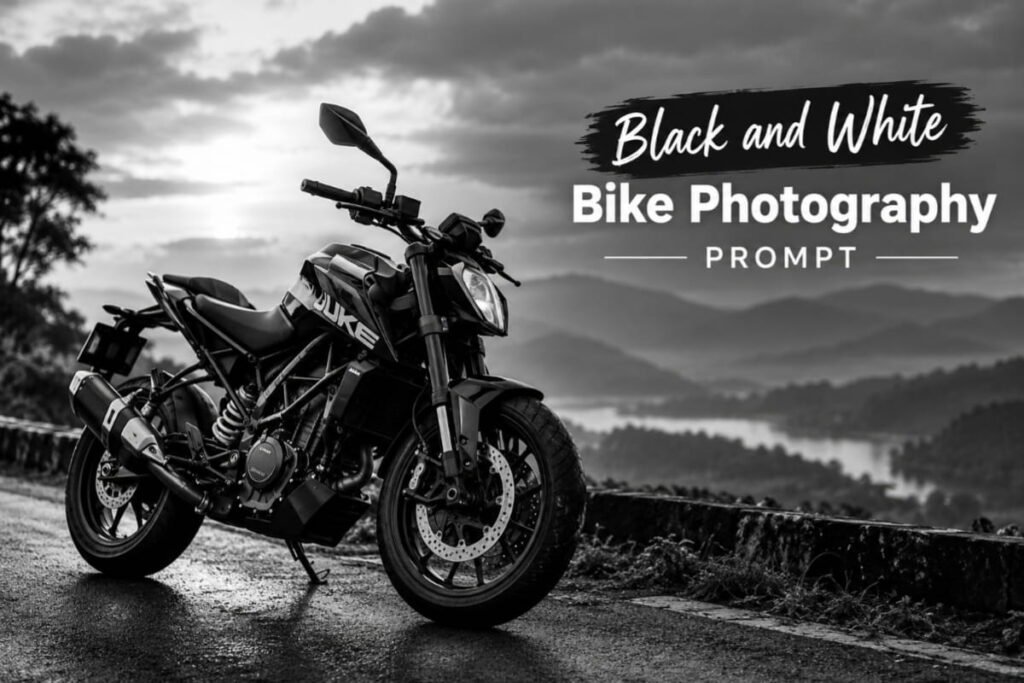
Best for: Minimalist photography and timeless biker portraits.
Prompt:
“Convert my uploaded motorcycle photo into a premium black-and-white photograph. Preserve the motorcycle’s original shape and important mechanical details, along with my recognizable appearance if I am in the image. Use dramatic monochrome contrast, carefully controlled highlights, deep but detailed shadows, and realistic textures. Add subtle background blur and a professional editorial photography style. Keep the composition clean, powerful, and timeless.”
16. Bike Wallpaper Editing Prompt
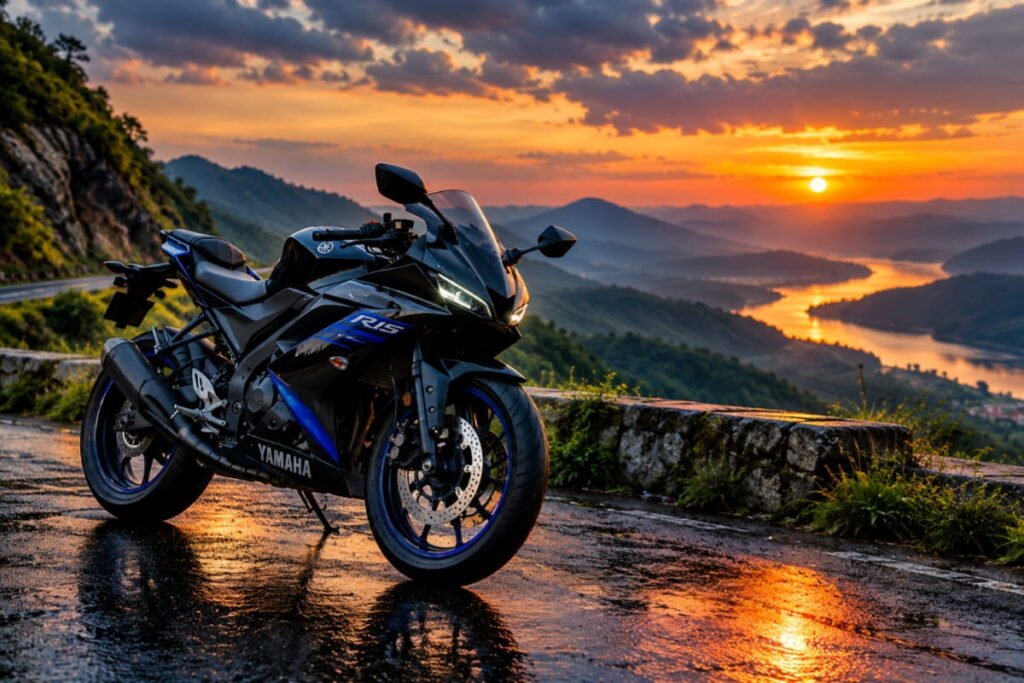
Best for: Mobile wallpapers and desktop backgrounds.
Prompt:
“Transform my uploaded motorcycle photo into a premium cinematic wallpaper. Keep the bike’s original model, color, proportions, and distinctive details intact. Place it in a visually dramatic environment with realistic lighting, subtle atmospheric haze, and a clean background. Use crisp details, natural reflections, balanced contrast, and professional automotive photography. Compose the image vertically in a 9:16 aspect ratio, leaving some uncluttered space near the top for phone icons. Avoid text, watermarks, and unnecessary objects.”
17. Stylish Biker Pose with Bike Prompt
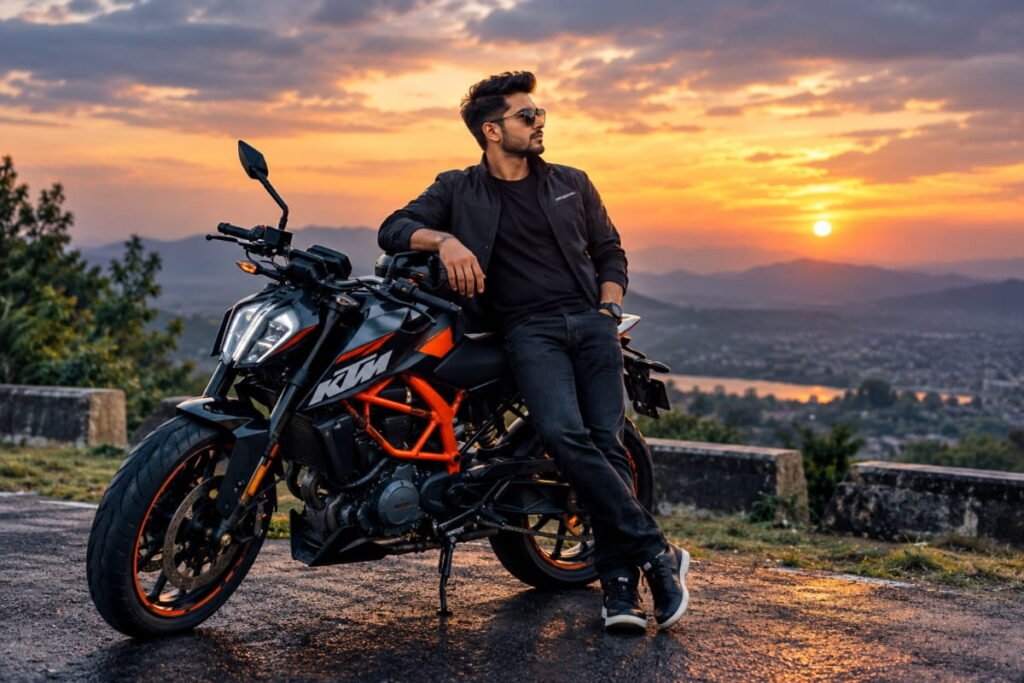
Best for: Trend-inspired portraits and Instagram Reels covers.
Prompt:
“Edit my uploaded photo into a stylish biker fashion portrait. Preserve my real face, identity, hairstyle, skin tone, and natural body proportions. Create a relaxed, confident pose beside my original motorcycle, with one hand resting naturally on the handlebar. Add fashionable casual clothing, a clean urban background, cinematic side lighting, and realistic shadows. Ensure the hands, fingers, body posture, and motorcycle geometry look natural. Use professional street photography and subtle color grading.”
Explore the image generation Guide
Bonus: Universal ChatGPT Bike Photo Editing Prompt
Not sure which style to choose? Start with this versatile prompt and customize the background or lighting.
Copy this prompt:
“Act as a professional motorcycle photographer and AI photo editor. Edit my uploaded photo into a high-quality, photorealistic motorcycle portrait. Preserve my identity, face, skin tone, hairstyle, body proportions, and the motorcycle’s original model, color, shape, and distinctive details. Improve lighting, composition, contrast, background, reflections, and overall image quality. Use realistic shadows, natural textures, sharp motorcycle details, and professional cinematic color grading. Avoid distorted hands, incorrect wheels, extra motorcycle parts, unnatural body proportions, excessive smoothing, fake logos, and unnecessary text. Create a polished image suitable for Instagram and other social media platforms.”
Tips for Getting Better AI Bike Photo Edits
Follow these tips to improve the quality of your results:
- Upload a clear photo: Use a well-lit photo where the motorcycle is clearly visible.
- Be specific: Describe the desired background, lighting, mood, and camera angle.
- Preserve important details: Ask the AI to retain the original bike model, paint scheme, wheels, and logos.
- Protect your natural appearance: If you include yourself, explicitly request that your identity and facial features remain unchanged.
- Make small adjustments: If the first result is not right, ask for one change at a time.
- Choose the right aspect ratio: Use 4:5 for many Instagram feed posts, 9:16 for Stories and Reels covers, and 16:9 for landscape wallpapers.
- Review the final image: Check the hands, face, motorcycle wheels, logos, shadows, and reflections for AI-generated errors.
Remember that AI editing tools can occasionally alter small details even when you ask them not to. Always review the finished image before posting it.
Frequently Asked Questions (FAQs)
1. How do I create bike photos using ChatGPT?
Upload your original motorcycle photo to an image-capable ChatGPT model, paste your chosen editing prompt, and ask it to edit the photo. Review the result and request changes if necessary.
2. Which ChatGPT bike photo editing prompt is best?
The best prompt depends on your preferred style. Try the rainy-night prompt for dramatic images, the sunset prompt for warm aesthetics, the black aesthetic prompt for dark portraits, or the mountain-road prompt for adventure photography.
3. Can I use these prompts for Royal Enfield and KTM bikes?
Yes. You can adapt these prompts for Royal Enfield, KTM, sports bikes, superbikes, commuter motorcycles, and classic bikes. Include your exact bike model and ask the AI to preserve its distinctive features.
4. How can I keep my face unchanged in AI bike photos?
Upload a clear original photo and explicitly instruct the image editor to preserve your identity, facial features, hairstyle, skin tone, and body proportions. Results may vary, so check the edited image carefully.
5. Can I use these bike photos on Instagram?
Yes. You can share your AI-edited photos on Instagram, Facebook, WhatsApp, and other platforms. If the image significantly changes a real scene, consider labeling it as AI-edited to avoid misleading viewers.
6. Are ChatGPT bike photo editing prompts free?
Writing and using prompts may be possible with a free ChatGPT account, but image-generation availability and usage limits depend on the current plan and features available to your account.
Conclusion
ChatGPT bike photo editing prompts make it easier to experiment with cinematic motorcycle portraits, rainy-night scenes, sunset photography, vintage effects, and stylish biker aesthetics. You don’t need a professional camera or an elaborate photoshoot to explore these creative looks.
Start with one of the 17 prompts in this guide, upload your photo, and customize the instructions until you get a result you like.
Which bike photo editing style is your favorite: cinematic, rainy night, sunset, or black aesthetic? Try a prompt and share your favorite result!
For more AI prompts, photo-editing ideas, and creative tutorials, keep visiting AIPromptDekho.com.